Your web traffic can drop even while your pages stay visible. That is the hard part of AI Overviews traffic loss in 2026.
Google now answers many searches on the results page, so fewer people need to click. The fix is not panic. It is knowing which queries lost clicks, why they changed, and whether those clicks were worth much in the first place, plus embracing generative engine optimization to adapt to modern search trends.
Key Takeaways
- AI Overviews traffic loss hits informational queries hardest, dropping CTR even when impressions and rankings hold steady—audit query-by-query in Google Search Console to separate distribution issues from discovery problems.
- Tailor fixes to search intent: refresh broad ‘what/how’ pages with depth or tools, strengthen comparison/pricing content with tables and proof, and prioritize local/service queries with trust signals and conversions.
- Build pages worth clicking beyond AI summaries using E-E-A-T, visuals, calculators, and downloads—no special markup needed, per Google’s guidance.
- Diversify traffic via email, branded search, social, and other channels as users spread beyond Google; adaptation beats panic in 2026 search.
Reduced clicks do not always mean reduced visibility
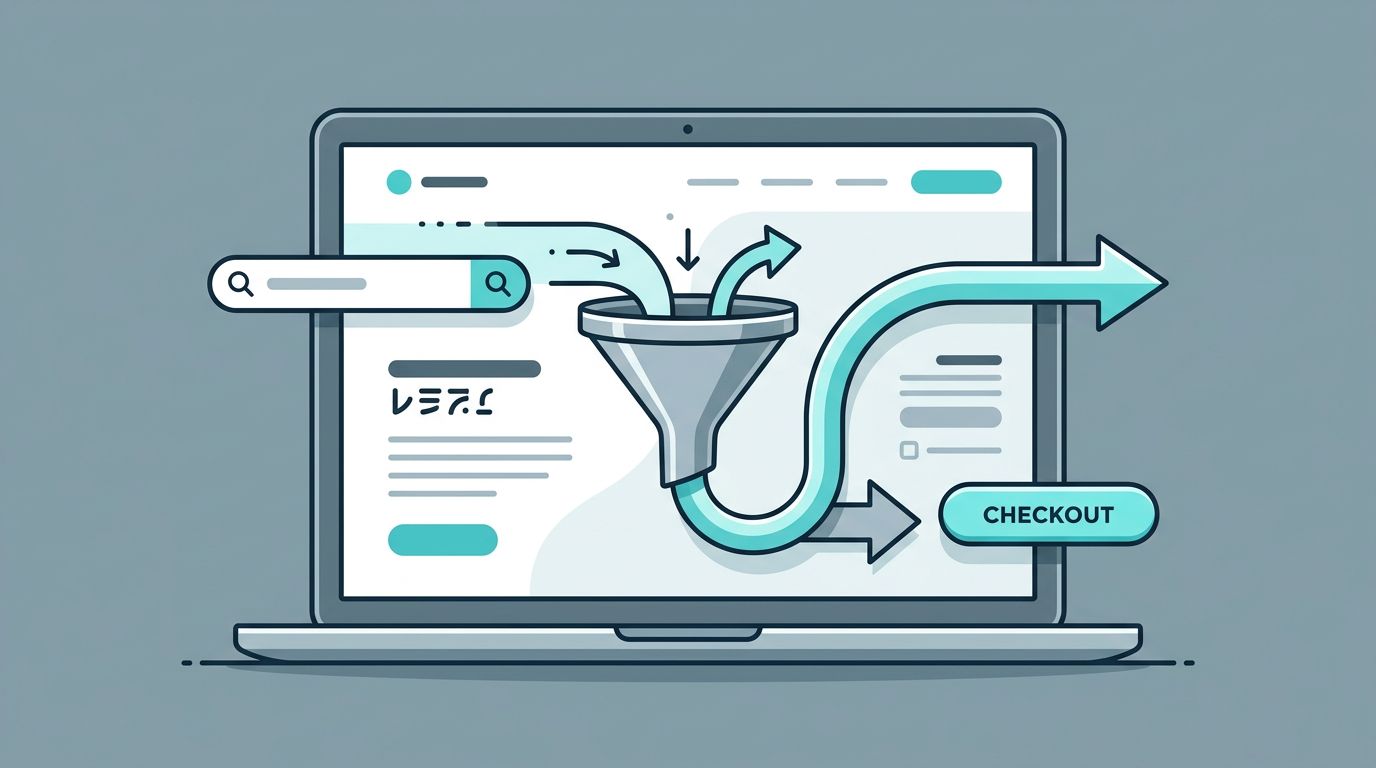
AI Overviews are part of a wider trend in zero-click searches. Google is answering more informational queries with informational intent before a user reaches any site. As a result, many online publishers see lower organic CTR, or click-through rate, even when rankings hold steady.
That difference matters. If search impressions are flat or rising, and average ranking position has not fallen, your page did not disappear. Google may still surface it, but the click now has to compete with a full answer box.
When search impressions hold and organic CTR drops, the problem is often distribution, not discovery.
Early 2026 research points in both directions. Some sites saw steep losses on broad informational queries, while a 2026 CTR study from Seer Interactive found that click-through rates on AI Overview queries improved from late-2025 lows. So the story is not “AI killed search.” It is that search behavior changed by query type.
That is why total organic sessions can hide the real pattern. A page about “what is comparative negligence” may lose clicks. A page targeting “car accident lawyer near me” may still perform because the user needs a provider, reviews, and a next step. Visibility and traffic are no longer the same metric.
Audit affected queries in Google Search Console before you rewrite anything
Start in the Google Search Console Performance report. You want to compare before and after, not guess from a sitewide traffic chart.
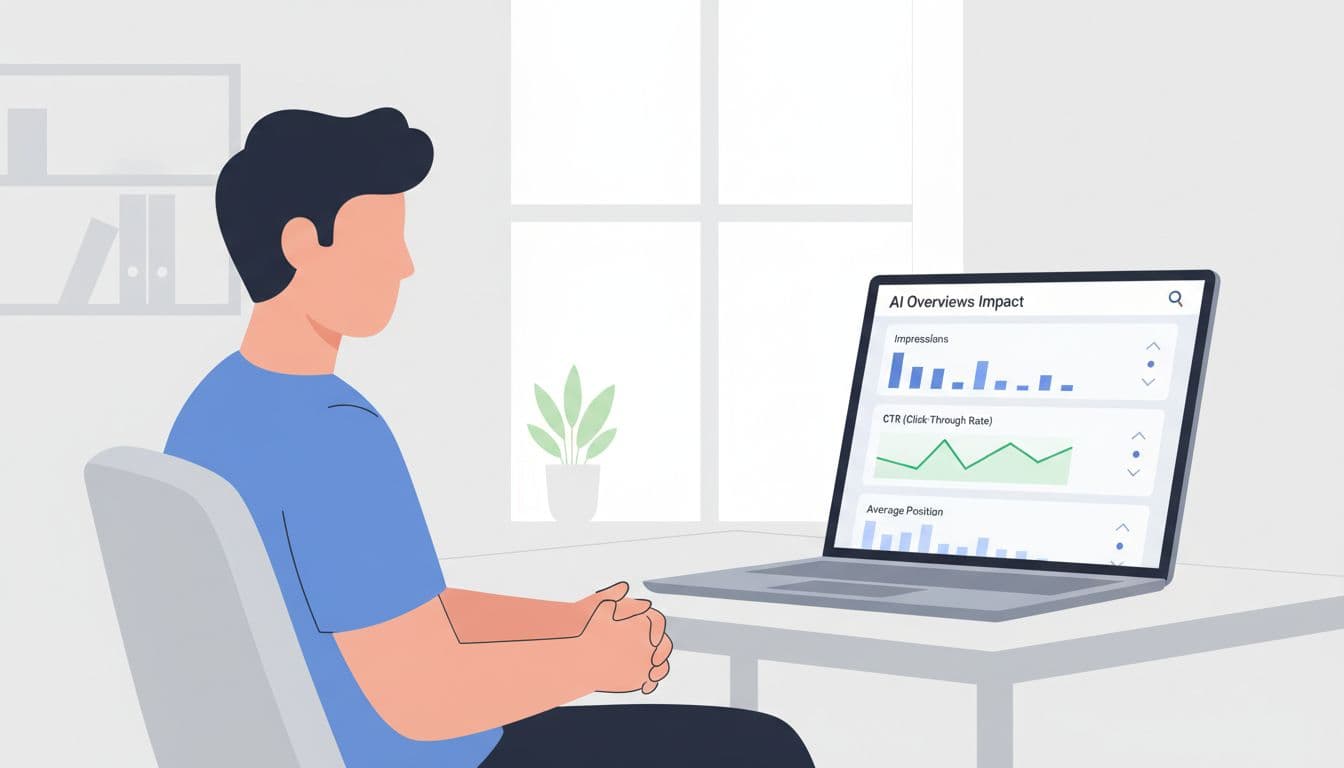
Use a simple audit flow:
- Pick a clean date split, usually 8 to 12 weeks before and after the drop, or before and after a major content change.
- Compare clicks, search impressions, click-through rate, and ranking positions at the query level first.
- Export the biggest losers, then map each query to its landing page.
- Group queries by intent, such as broad informational, comparison, local service, branded, or transactional.
- Check whether search impressions fell, or only organic CTR fell. Then review the page itself.
If search impressions and ranking positions both dropped, you likely have a ranking or indexing problem. If search impressions stayed strong but organic CTR fell, AI Overviews or other SERP features may be intercepting the click from traditional search results. In some properties, Google Search Console now exposes more appearance data. If yours does not, build segments manually. Queries that start with “what,” “how,” “why,” or “difference between” are often the first place to look.
Then review the page. Did you update it recently? Did competitors add fresher data, expert input, or clearer formatting? Did Google start answering the simple part of the query with AI-generated sections in place of traditional search results, leaving only the deeper user need for sites that offer more?
This is where most audits go wrong. Teams stare at totals. Recovery usually starts with 20 to 50 affected queries, not 20,000.
Match the response to the query, not the traffic chart
A broad definition page and a high-intent service page should not get the same treatment, as search intent varies widely. The best response depends on user intent and what the searcher still needs after reading Google’s answer.
This quick view helps frame the decision:
| Query type | What usually happens | Better response |
|---|---|---|
| Broad definitions and simple how-to queries | AI-generated summaries answer more of the need | Refresh only if you can add depth, otherwise lower traffic expectations |
| Comparison and pricing queries | Users still need proof and detail | Build stronger comparison tables, pricing context, and buyer FAQs |
| Local and service-intent queries | Clicks often hold up better | Improve trust, reviews, maps, case results, and clear conversion paths |
| Research-heavy workflows | Users still want tools and files | Add templates, calculators, downloads, and visuals |
Here are concrete examples where people still click despite AI-generated summaries: “best CRM for law firms,” “HubSpot vs Salesforce pricing,” “roof replacement cost near me,” “estate planning attorney Austin,” and “statute of limitations for a truck accident in Texas.” These searches carry risk, money, or a decision. Users look past the AI-generated summary to traditional search results for source material, not only a summary.
Refresh content when the topic still has click intent and your page is thin, dated, or hard to scan. Shift toward bottom-of-funnel or branded topics when Google keeps answering the top-funnel version without sending traffic. Add original data when everyone else says the same thing. Add tools, diagrams, expert commentary, and downloadable assets when the searcher needs help doing something, not only understanding it.
Build pages worth clicking, then diversify beyond Google
Google’s own guidance says there is no special markup required for AI Overviews. The basics still matter, as explained in AI Features and Your Website and Google’s advice on succeeding in AI search. Pages need to demonstrate E-E-A-T, stay crawlable, remain clear, and prove useful beyond a one-paragraph answer. Earning AI Overview citations through strong source links can further enhance visibility.
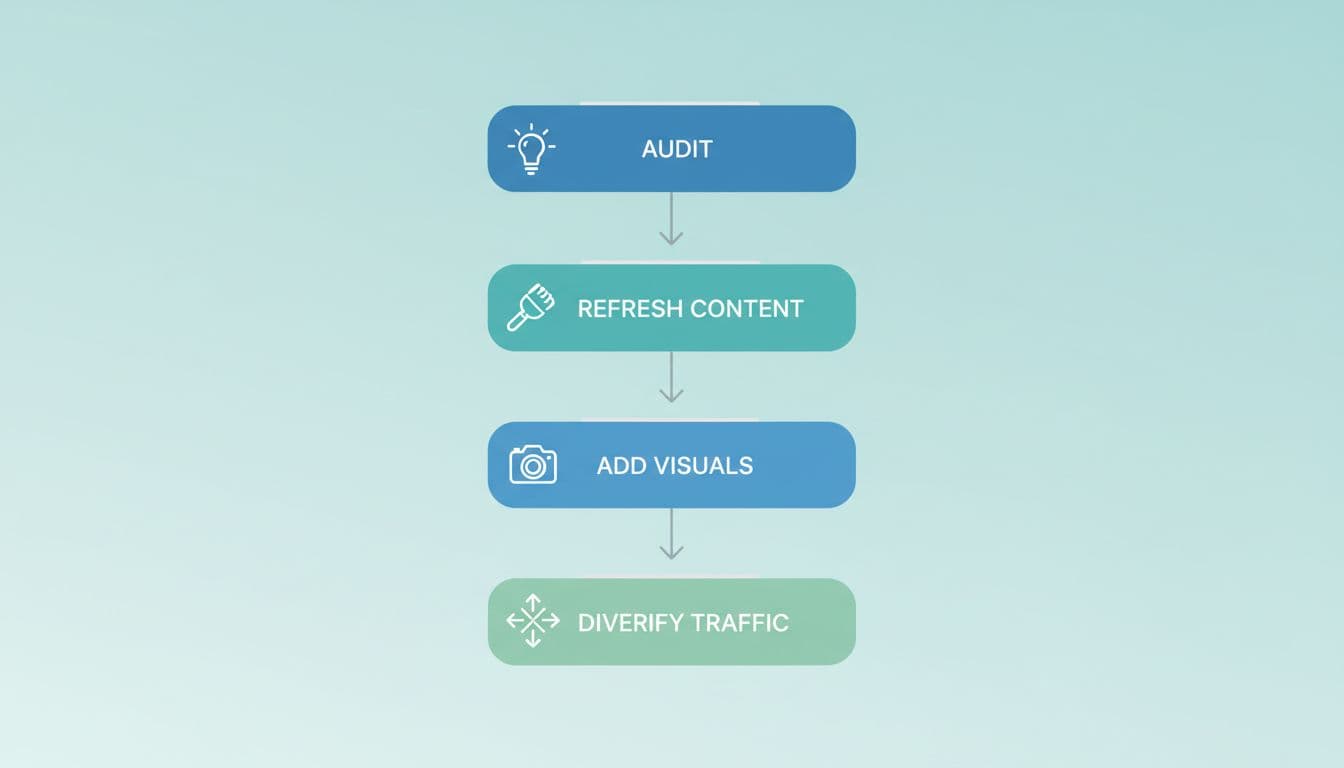
That means stronger intros, tighter headings, better internal links, visible expertise, and media that adds meaning. Screenshots, charts, case examples, and calculators can create a real reason to visit. So can downloadable checklists, legal guides, and original surveys.
At the same time, reduce your dependence on Google, ChatGPT, and Perplexity. Semrush’s channel mix study shows that traffic sources are spreading out while AI discovery grows from a small base; this highlights referral traffic gains alongside attribution challenges in your content strategy. Build email capture into content that still attracts visits, and grow branded search plus brand mentions. Turn strong articles into LinkedIn posts, YouTube explainers, webinars, and remarketing audiences. If your brand is remembered, zero-click search hurts less.
Frequently Asked Questions
What causes AI Overviews traffic loss?
AI Overviews provide direct answers on Google’s results page for many informational queries, leading to zero-click searches and lower CTR. This affects broad ‘what,’ ‘how,’ or ‘why’ queries most, while transactional or local intents often retain clicks. Visibility via impressions and rankings may stay steady, so focus on query-level changes rather than sitewide totals.
How do I audit affected queries?
Use Google Search Console’s Performance report to compare clicks, impressions, CTR, and positions before/after drops at the query level. Group queries by intent (informational, comparison, local), export top losers, and check if only CTR fell due to SERP features. Start with 20-50 key queries, not sitewide data, to pinpoint AI impacts.
Which queries lose the most traffic to AI Overviews?
Broad definitions, simple how-tos, and research queries like ‘what is comparative negligence’ see steep CTR drops as Google answers fully. High-intent searches for pricing, comparisons, local services, or decisions—like ‘best CRM for law firms’ or ‘roof replacement cost near me’—still drive clicks for proof and action. Review queries starting with ‘what,’ ‘how,’ ‘why,’ or ‘difference between’ first.
How can I recover traffic from AI Overviews?
Match content updates to remaining user needs: add depth, tables, tools, visuals, and E-E-A-T for click-worthy pages. No special markup is required—follow Google’s basics for AI features. Diversify with email lists, branded search, and non-Google channels to reduce reliance on organic traffic.
Is AI Overviews traffic loss permanent?
No, as search behavior evolves—2026 studies show improving CTR on some AI queries. Recovery comes from auditing, refreshing high-value pages, and adapting to intent shifts, not panicking over totals. Focus on queries where users still need your unique value beyond summaries.
Conclusion
AI Overviews traffic loss is real, but it is not one problem with one fix. Some queries lost clicks to AI-generated summaries in Google Zero environments, where users skip traditional search results. Others still send visits because the user needs proof, local trust, pricing, or action.
The smart move is to audit query by query, watch impressions, share of voice, click-through rate, and position together, and invest where a click still has value. In 2026, adaptation beats fear.