Many service businesses lose leads simply because their profile is incomplete, missing critical services, or failing to provide clear information. By focusing on consistent Google Business Profile optimization, you can correct these common issues and ensure your business stays competitive in an increasingly crowded digital landscape.
Whether you still refer to the platform by its former name, Google My Business, or its current branding, the goal remains the same: enhancing your presence to increase your visibility. Mastering this aspect of Local SEO ensures your company stands out when customers are ready to make a decision.
A well-maintained profile helps you build trust faster and turn profile views into calls, messages, and bookings. This checklist is specifically designed for service area businesses that travel to the customer rather than depending on walk-in traffic. Following these steps will help you fix the fields that matter most to your marketing and ensure you appear prominently in local search results.
Key Takeaways
- Master Local SEO fundamentals: Prioritize accuracy in core fields like your business name, primary category, and service areas to ensure Google can correctly categorize and rank your business for relevant local searches.
- Optimize for service-area models: If you operate as a mobile service business, hide your physical address to maintain privacy while clearly defining your service radius to prevent low-quality leads and customer frustration.
- Build trust through proof: Enhance your profile credibility by uploading authentic, high-quality photos of real work, actively managing customer reviews, and utilizing the section for questions and answers to address prospect concerns before they reach out.
- Drive conversions with detail: Fill out every available field, including specific products and services, updated business hours, and booking links, to remove friction from the customer journey and turn profile views into actionable leads.
Why Google Business Profile optimization matters for Local SEO
For a local service company, your profile is often the first sales page a prospect sees. It can appear in Google Search, the Local Pack, and across the web before anyone even visits your website. Many business owners still refer to this platform by its former name, Google My Business, but shifting toward a comprehensive profile optimization strategy is essential for capturing modern customers and improving your Local SEO performance.
That visibility matters because buyers often decide quickly. They check customer reviews, business hours, services, and photos on Google Maps to see if you work in their area. If the profile looks thin or confusing, they will simply move on to a competitor.

### What service area businesses need to do differently
A storefront can show its address because customers visit that location. However, service area businesses often need the opposite approach. If you work from home, dispatch from a yard, or meet customers at their property, you should hide your physical address and define the specific regions you serve. Google explains the rules for service area businesses in its official guidelines.
This quick comparison helps set your profile correctly:
| Profile setting | Storefront business | Service area business |
|---|---|---|
| Address | Usually shown | Often hidden |
| Directions | Important | Often less useful |
| Service area | Optional | Core field |
| Main conversion | Visits and calls | Calls, messages, quote requests |
Accuracy shapes expectations. If a landscaper shows a residential address, people may drive there and get frustrated. As a practical rule, keep your service area close to your operating base and avoid claiming territory your team cannot cover well.
How a stronger profile turns searchers into leads
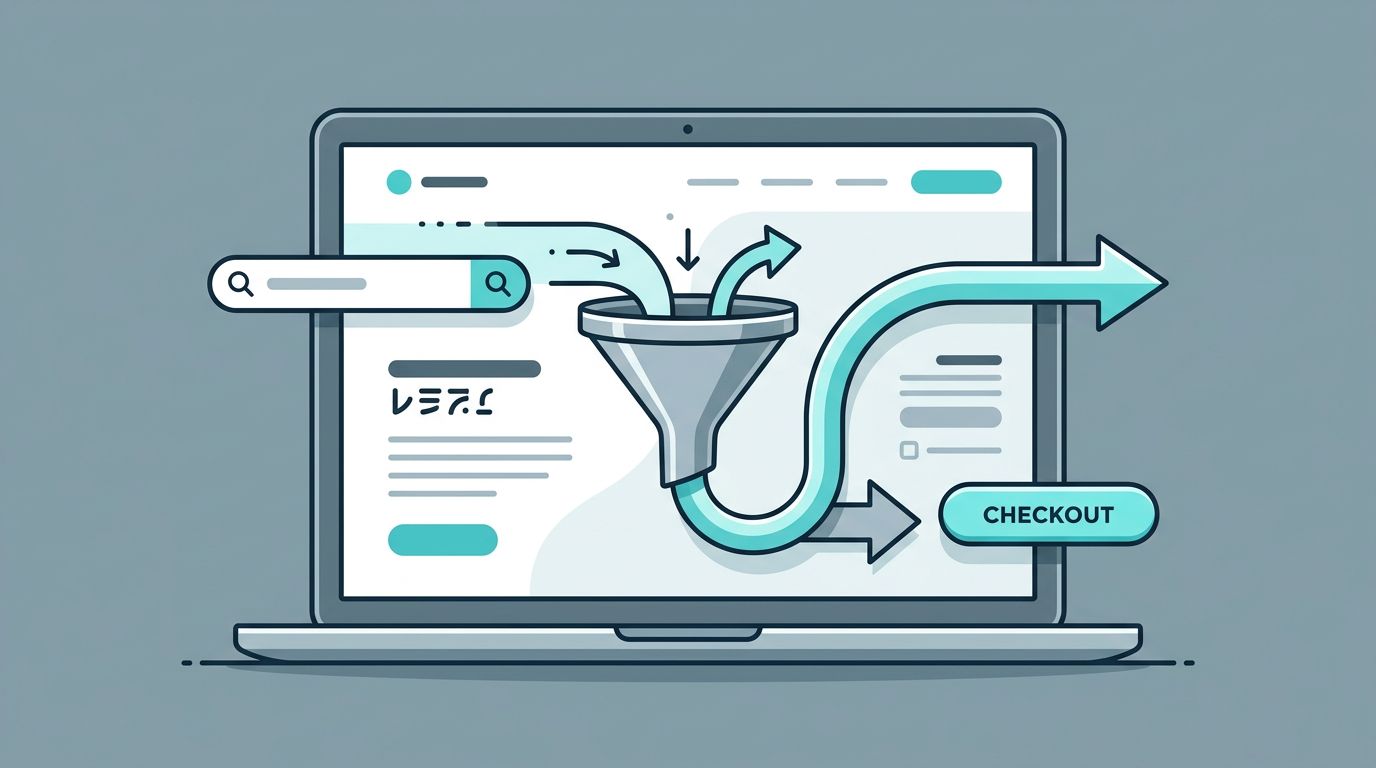
The lead path is short. A homeowner searches for a local service, sees your profile, scans your details, then taps Call or visits your site to request a quote.
It is important to remember that the ranking algorithm used by Google relies on three primary factors to determine visibility: proximity, relevance, and prominence. Because of this, profile optimization is not just about showing up higher in the interface. It also directly affects your lead quality and overall conversion rate. If your team has not reviewed the profile in months, put a fast audit on this week’s marketing list before spending more on paid traffic.
How long does Google Business Profile optimization take to show results?
When you update your business information, some changes, such as modifying your hours or contact details, often appear to customers almost immediately. However, seeing an improvement in your local search results is usually a longer game. While every market is different, you should generally expect to wait one to three months to see significant movement in your rankings. Consistent effort, such as gathering new reviews and updating your service details, is the best way to help the algorithm recognize your authority and improve your long-term search performance.
Set up the core profile fields the right way
Foundations come first, and a successful Google Business Profile optimization strategy begins here. If your core fields are incorrect, later efforts regarding reviews or posts will fail to solve the underlying problem.
### Use your real business name and avoid keyword stuffing
Use the name customers already know. Mason Plumbing is correct, while Mason Plumbing Dallas Drain Cleaning Water Heater Repair is not. While you should avoid stuffing your business name with extra terms, performing keyword research can help you understand which phrases to include naturally within your business description and service lists. Stuffed names look untrustworthy and can trigger policy issues or even require re-verification from Google. Keep branding clean, then let your categories, services, and reviews explain exactly what you do.
Choose the best primary category and supporting categories
Your primary category tells Google what your business is. Pick the option that matches your main revenue driver. If most of your jobs are plumbing, Plumber is a much better choice than a broader label. You should also select secondary categories that accurately reflect your additional offerings. These secondary categories should only support services you actually perform. For example, a company that handles HVAC installs might add heating contractor to their profile, but you should not add electrician unless you truly offer that work.
Set service areas that match where you actually work
List the cities, ZIP codes, or regions your crews serve every week. For example, a cleaning company based in Phoenix might list Phoenix, Tempe, Mesa, and Chandler, rather than the entire state. Stretching your service areas creates low-quality leads and frustrates buyers who call only to hear that you do not service their location. Keep in mind that updating your business address or service area settings may occasionally trigger a verification request, so ensure your information is accurate and consistent across the web.
Keep your address hidden if customers do not visit you
If you are managing a profile for a home-based contractor, mobile repair team, or field service brand, hide the address if you do not receive customers at that location during stated hours. This setting prevents confusion and helps manage customer expectations. If several people or vendors have edited the profile over time, verify that your location data remains accurate, as these adjustments can sometimes lead to a request for business verification.
Fill out the information Google and customers rely on most
A complete profile removes friction and keeps your local data aligned across channels, which is critical when marketing teams manage paid ads, SEO, and reporting simultaneously. Many companies still refer to these listings as a Google My Business profile, but regardless of the name, keeping your information current is the foundation of local search success.
Maintain NAP consistency for your business name, address, and phone
Maintaining NAP consistency is a ranking factor that Google takes seriously. Your business name, address, and phone number must remain uniform across all platforms. Your business name, website URL, and current business hours should match your profile, your official website, and all major online listings exactly. Small mismatches create doubt for both search engines and potential clients.
For example, if Google says your business hours close at 6 p.m. but your website says 5 p.m., prospects may hesitate to call. When your operational data is inconsistent, you risk losing trust before a customer even clicks. The same goes for phone numbers that change between platforms and break your lead attribution. If you want to track traffic accurately, ensure you use UTM tracking on your website links to help your marketing teams manage and measure clicks from the profile.
Write a description that explains what you do and who you help
Your business description should tell people what you do, who you help, where you work, and why they should trust you. Keep it readable and informative. When crafting your business description, focus on clarity and value, as this text is often the first thing a lead reads.
A simple format works well: “We provide same-day AC repair, maintenance, and installation for homeowners in Tampa and nearby communities. Our licensed techs handle emergency calls, weekend appointments, and clear upfront estimates.” If it sounds like a list of keywords, rewrite it so it sounds like a human wrote it.
List every product and service people search for
Add specific items, not vague categories. Listing individual products and services, such as “drain cleaning,” “water heater installation,” and “sump pump repair,” is far more effective than using a generic entry like “plumbing services.” By categorizing your specific products and services, you make it easier for the algorithm to index your expertise.
This field is often underused. A recent guide to Google Business Profile optimization for service businesses highlights that defining specific products and services gives Google and buyers more context. By detailing exactly what you offer, you increase the likelihood of appearing in relevant local searches.
Add the details that help people take action fast
Fill in your daily schedule, booking links, business attributes, and messaging if you actively monitor it. If you offer emergency services, say so in the right fields and on your site.
Leveraging specific attributes allows you to highlight unique offerings, such as being veteran owned or offering contactless payments. Using these features makes your business stand out in a crowded market. Every missing field adds one more reason for a prospect to leave. A profile that shows accurate hours, a working website link, and a clear path to book has fewer drop-offs and a much smoother handoff into your sales process.
Build trust with photos, reviews, posts, and Q&A
Proof matters because most service businesses ask buyers to call before they meet anyone. Your profile has to do some of that trust-building upfront, which significantly boosts user engagement on Google Maps and search results.

### Upload high-quality photos that show real work, not stock images
Use real team photos, service vehicles, equipment, and finished jobs. You should prioritize high-quality photos to demonstrate your professionalism. Before-and-after shots work well for cleaning, landscaping, painting, and restoration.
Fresh, current images beat polished stock art because buyers want proof that you are active. By uploading high-quality photos of a tech at work, you provide the visual verification that potential clients seek before choosing a provider on Google Maps.
Ask for customer reviews the right way and respond to every one
Ask happy customers for customer reviews soon after the job, while the outcome is still fresh. A short message works well: “Thanks for choosing us. If you have a minute, could you share a review and mention the service we completed?”
Then, reply to every single submission. Thank positive reviewers by mentioning the job type, and answer negative feedback calmly with facts and a next step offline. Consistent management of these customer reviews builds long-term credibility, as active customer reviews are essential for your brand reputation.
Use Google posts and questions and answers to address concerns before they call
Google posts can share seasonal reminders, service updates, and special offers. One useful monthly Google post beats four rushed ones. Maintaining a consistent schedule for Google posts helps keep your audience informed.
Using the questions and answers section is even more practical. Add common inquiries such as “Do you offer free estimates?”, “How fast can you get here?”, and “Do you service [city]?” These questions and answers sections allow you to handle inquiries proactively before a customer even picks up the phone. If your team needs a sharper view of where profile gaps are hurting lead flow, consider a structured outside review before the busy season.
Use this quick checklist for Google Business Profile optimization
Busy teams need order, not a giant to-do list.
Essential steps for your profile
- Fix the business name so it matches your real-world branding.
- Confirm the primary category and remove weak secondary categories to help your business appear in the Map Pack.
- Correct service areas and hide the address if customers do not visit your location.
- Add every high-intent service you sell to capture relevant searches and complete your setup.
- Upload current photos from real jobs, team activity, and regular Google posts to keep your profile fresh.
- Ask for fresh customer reviews and reply to every one of them to build credibility.
These updates often create the clearest first lift because they improve both relevance and trust for your business.
Track the signals that show whether the profile is working
Watch profile views, calls, website clicks, messages, and booking actions. It is important to monitor how these metrics shift across local search results and compare those actions with lead quality in your CRM.
While gaining visibility in search engines is a great goal, driving high-quality leads is the true objective of your local marketing efforts. If call volume increases but you notice a rise in bad-fit inquiries, your user engagement might be driven by service areas, service lists, or descriptions that are still too broad.
Conclusion
A well-built profile is one of the highest-value local marketing assets a service business can own. By focusing on consistent Google Business Profile optimization, you provide the essential signals required to satisfy the ranking algorithm and secure a better position in search engine results pages.
Get the basics right first, then strengthen the trust signals that convince potential customers to choose you. Maintaining accurate information and regular updates will increase your visibility in local search results, creating a shorter, more effective path from a customer inquiry to a booked job. If you want a professional review of your current approach and need help identifying the biggest opportunities for your Local SEO strategy, Get a Free Consultation.
FAQ
How often should a service business update its Google Business Profile?
A monthly check is a great baseline. Review your hours, services, photos, customer reviews, and potential user edits at least once a month. It is also important to update your listing immediately whenever your service area, availability, or contact details change to ensure you maintain high visibility in local search results.
Should I show my address if I work from home?
No, you should hide your address if customers do not visit your location. Home-based and mobile service businesses should use service-area settings instead, which prevents your personal home address from appearing on Google Maps.
How many categories should I use on Google Business Profile?
Focus on selecting one strong primary category that defines your business, then add only highly relevant secondary categories. More is not always better; adding extra categories that do not match your actual work can hurt your rankings. Be sure to use specific attributes to further clarify your service offerings to potential clients.
Can I use multiple Google Business Profiles for the same service business?
No, you should only have one profile per physical location or service area. Creating duplicate listings for the same business can lead to penalties or suspension. If you serve multiple areas from a single base of operations, manage them through a single, well-optimized profile rather than creating separate entries.
Do Google posts help service businesses get more leads?
Yes, Google posts are an excellent tool to build trust and answer common buyer concerns. You can use these posts to share timely updates, seasonal offers, or helpful service reminders that keep your brand top of mind. Regularly engaging with your audience through Google posts, alongside managing your customer reviews, can significantly improve your search visibility.
What are the biggest Google Business Profile mistakes for service businesses?
The most common mistakes include selecting the wrong business category, using fake or overly broad service areas, maintaining a weak service list, and displaying inconsistent contact information. Additionally, failing to respond to customer reviews, neglecting the questions and answers section, or failing to complete the Google Business Profile verification process can hinder your local search performance and limit your ability to reach new customers.